



iJewel Playground
The online 3D editor for jewelry
No credit card required
In three steps
Open your file
Drop a CAD file. The layers become materials.
Pick from the library
Metals, gems, HDR light, ground and stage. One click each.
Export
Images and a turntable video, up to 4K.
Try it on a ring
Pick a metal, a stone, a light, a gem light and a ground.
Metals
Gems
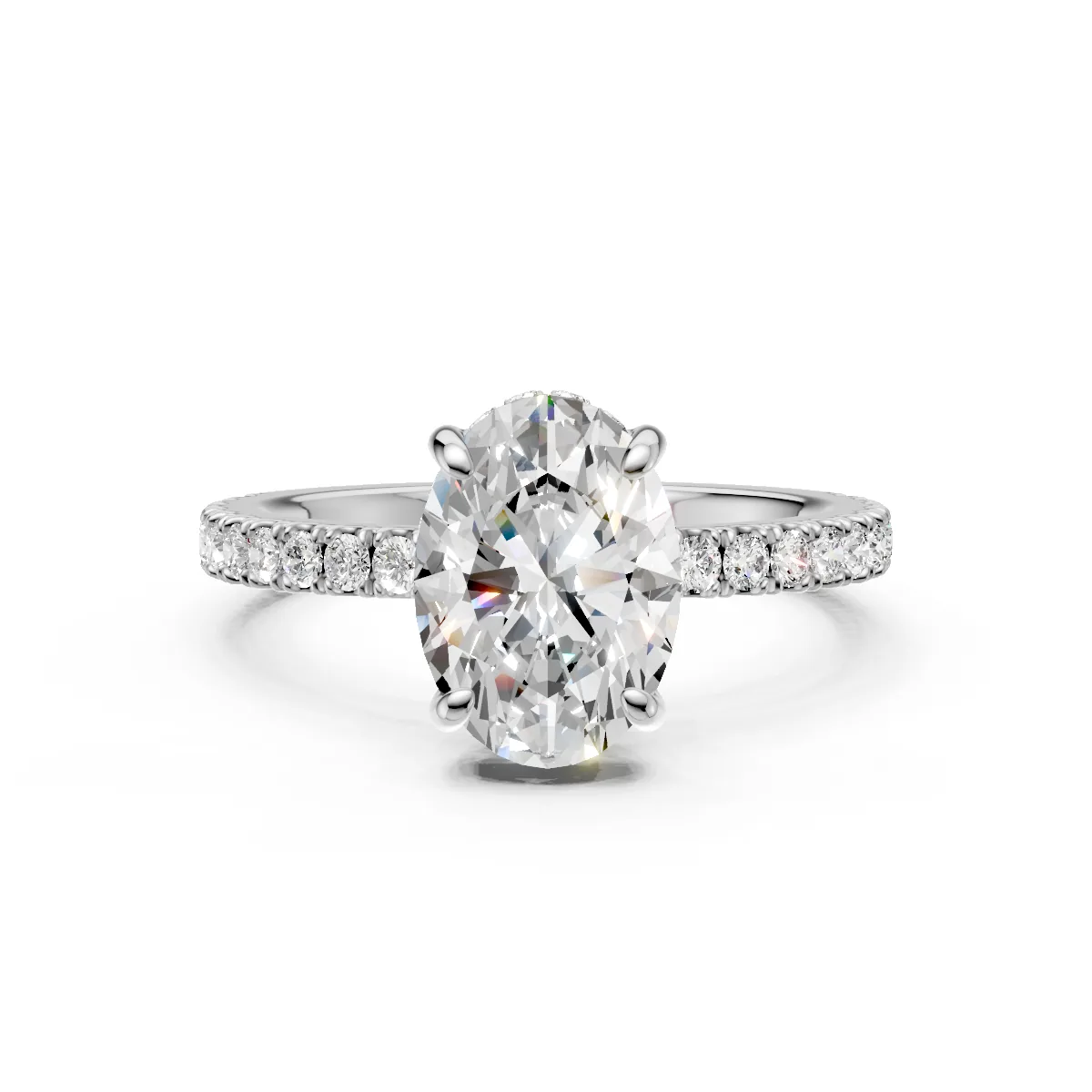
Lighting
Gem lightMaps made for stones
Ground
What you can do
Import any CAD
3dm, fbx, obj, gltf, glb and stl open as they are.
Layers become materials
Each CAD layer takes a material in one click.
100+ metals
Polished, brushed, hammered, every gold and platinum.
75+ gems
Diamonds by colour, sapphires, rubies, emeralds and more.
80+ HDR lights
Studio, softbox, horizon and street light for the metal.
Grounds and stages
Shadows, reflections and a set for the piece.
Snapshots up to 4K
PNG, JPG or WebP at any size.
Turntable video
An MP4 of the piece turning, ready for a product page.
Made with iJewel
Look at what people make
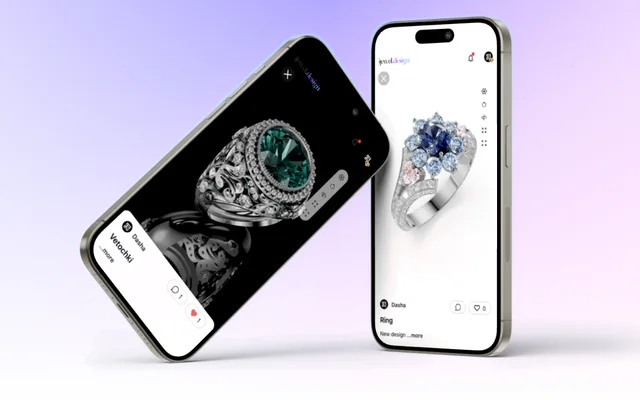
Pieces published on iJewel Design.
 Explore more on iJewel Design
Integrations
Works with your tools
Send a file from your CAD and it opens in Playground.
 Rhino
A Rhino plugin: one command opens the model in Playground.
Integration with Rhino (opens in a new tab)
The iJewel Viewer button exports the design in one click.
Integration with MatrixGold (opens in a new tab)- CounterSketch
In CounterSketch 8.10, the iJewel button opens the design in 3D.
Integration with CounterSketch (opens in a new tab)
FAQ
What is iJewel Playground?
iJewel Playground is a web-based 3D editor for jewelry professionals. You import 3D models, assign materials, set up the light and add effects. Then you share the model, or export images and videos.
How customizable are the jewelry designs in iJewel Playground?
Playground has a Material Configurator and an Object Configurator. With them, your customers change the materials and the parts of a model in the viewer.
Is there a learning curve to using iJewel Playground?
The interface is made for first-time users and for professionals. The Quick Start in the docs takes you from the first login to your first render.
Didn’t find the answer? Read more in the docs (opens in a new tab)
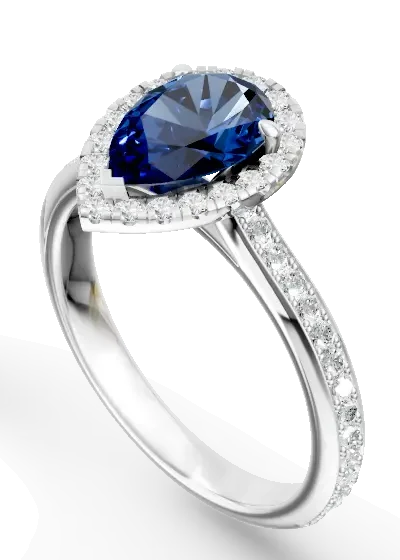
Try Playground
Open a file and see it in 3D.
No credit card required